 SwapDraft
To Make AI Writing Sound Human, Stop Asking It To

The prompt almost everyone types after an AI draft comes back is some version of "make it sound more human" or "Why do you sound like a linkedin influencer?" The draft reads generic and you want it more like your own writing. But the mistake that people make is just asking to make it sound human, that sentence is close to useless as an instruction, because it doesn't tell the model what is wrong or where.
What you get back is the whole post rewritten. The sentences you liked are gone, a few synonyms have moved around, and there's a fresh set of tells you now have to go find. People in Reddit's AI writing forums describe the result well: ask for "more human" a few times and you get basically the same text in different clothes.
The fix is smaller than a better prompt. Most of the draft is fine. A handful of passages give it away. Mark those, say what's wrong with each one the way you'd tell an editor, and rewrite only those.
Why "make it sound human" fails as a prompt
Tell a model to sound human and it has no target. It can't tell which line made you cringe, so it rewrites all of them, and a draft with two bad sentences comes back with two different bad sentences.
"Human" also means different things to different readers. One wants shorter sentences, another wants jokes or opinions or fewer bullets. The model averages those readings, and averaging is what made the draft sound generated.
Full rewrites cost you a reread of the whole post, since you can't be sure the paragraph you liked five minutes ago is still there. Publish weekly and that reread eats your afternoon.
Find the passages that give the draft away
Readers don't flag a post as AI because of its average sentence. They flag it because of a few moments that every chatbot produces. Wikipedia's editors keep a long field guide to these, Signs of AI writing, and it's worth reading once. In blog drafts, these are the ones I'd look for first:
The opener that warms up instead of starting, like "In today's fast-paced digital landscape."
The contrast nobody asked for: "It's not just about X, it's about Y."
The one-line paragraph after a point that repeats the point, like "And that changes everything."
Lists of three that exist because three sounds complete.
Stock words a person rarely reaches for: delve, leverage, seamless, robust, landscape.
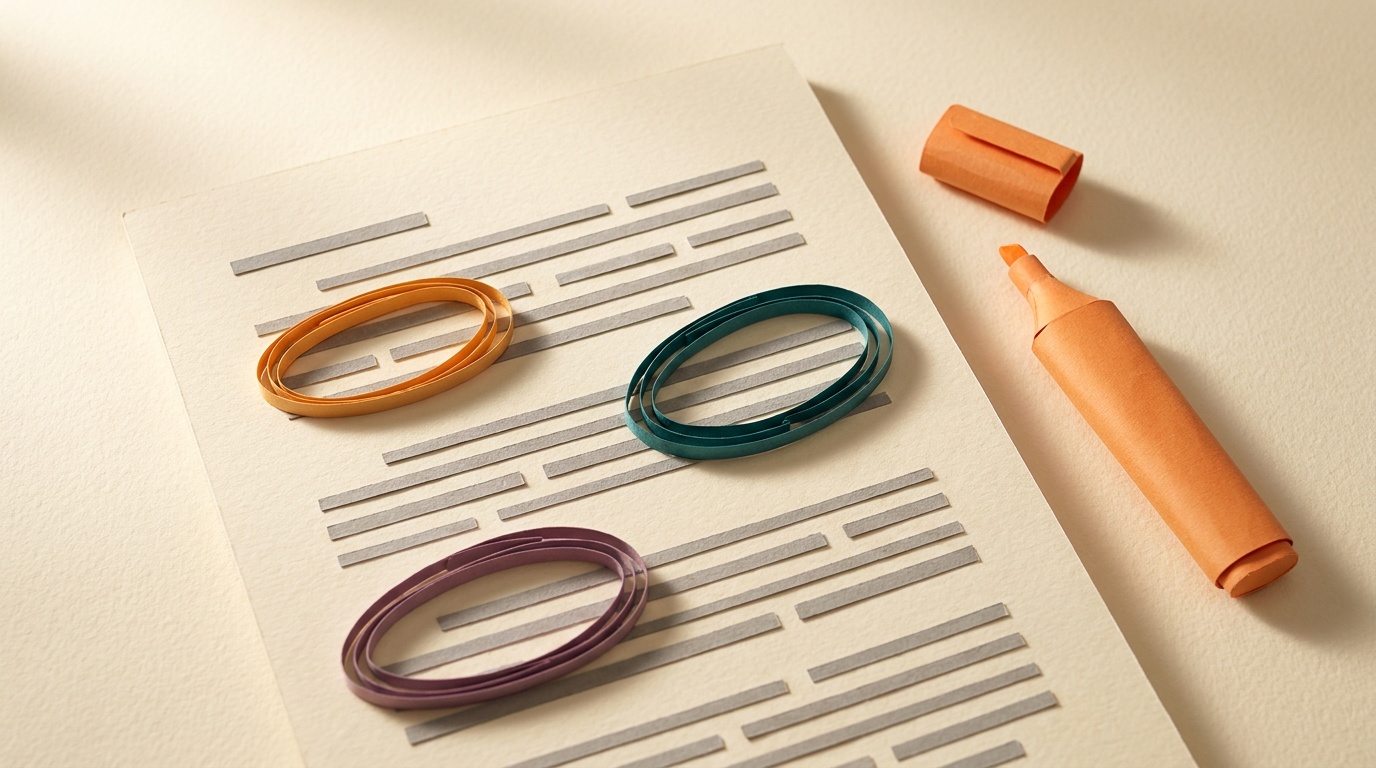
Read the draft once with that list next to you and mark every hit. In most drafts you end up with a handful of passages, and those passages are the whole edit.
Write the note an editor would write
A good editor never writes "make it more human" in the margin. They write what's wrong and what they want instead, in a few words. That's the instruction a model can act on too, because now it knows where the problem is and what a fix looks like.
A useful note usually has two parts: what is wrong, and what to do instead. When you have it, add a third: the real fact the passage is missing. Here's what that looks like on the tells above.
The warm-up opener
In today's fast-paced digital landscape, startups must navigate an ever-evolving ecosystem.
Note: "Too generic. Open with the customers we lost." The note names the problem and points at the story the post is really about.
The contrast nobody asked for
It's not just about reducing friction, it's about unlocking delight.
Note: "Sounds like every AI intro. Say what actually happened." This one works because the model can't hide behind a new metaphor. It has to go back to the events in the paragraph around it.
The one-line closer
And that changes everything.
Note: "Cut this. The paragraph before already made the point." Sometimes the right rewrite is nothing at all, and saying so in the note saves you a round.
The claim with no one behind it
Many bloggers find that this approach dramatically improves engagement.
Note: "Who? We don't have a source. Say what we saw, or cut it." If you have no source and nothing you saw yourself, cutting is the honest fix.
Compare those with the notes that don't work: "make it better," "more engaging," "more human," "less AI." Each one describes a feeling you want the reader to have without saying what to change.
Put the real details back yourself
A model can remove a tell, but it can't know the detail that makes a passage yours. If your note says "add a concrete example" and gives it nothing to work with, it will often make one up, numbers and all.
So when the fix needs a fact, put the fact in the note. "Open with how many trial users we lost in the first month" only works if you then give it the number. Then read every rewrite for anything that wasn't in your draft or your note. A specific-looking figure you didn't supply is a figure you need to check or delete before it goes live.
Compare a few rewrites, then keep one
The first rewrite you get for a passage isn't always the one you want. Models from different companies write differently, and the version that fits your voice for an intro may not be the one that fits a punchline three paragraphs later. I won't rank them here. Judge them on the passage in front of you.
That's an argument for seeing two or three versions of the same passage side by side, from the same note, and picking one. Sometimes none of them beat your original, and keeping the original is a perfectly good outcome.
How SwapDraft does this editing pass
We built SwapDraft for exactly this pass, the one after the draft exists. It's a Chrome extension that works inside your blog editor, in three moves:
Select a passage that sounds off and mark it. Each marked passage gets its own color, and you can mark as many as you like.
Add a note in your own words, like the ones above, or tap a quick instruction such as "Make this punchier" or "Cut the fluff."
Hit Rewrite. Each marked passage goes to several AI models at once, and you flip through their versions right where the passage sits, then accept the one that works or keep your original.
Nothing outside the passages you marked changes. Flipping through rewrites leaves nothing in your undo history, and after you accept one, a single undo brings your original back.
In-place rewriting works in the TipTap-based editors we've added support for. For any other editor, paste your text into SwapDraft's built-in document editor, fix it there and copy it back out. You don't need API keys: one SwapDraft account covers every model, including GPT-6 Luna, Claude Sonnet 5.5, Gemini 3.5 Flash and Grok 4.7.
Rewrites are paid in credits. A credit is half a cent of model cost, you see an estimate before every run, and you're charged for what the models actually used. The free plan starts you with 100 credits, tops you up by 40 every week and sends each passage to 2 models. Pro is $19 a month for 1,500 credits, up to 5 models per rewrite and all 9 models.
Next time a draft comes back sounding off, skip "make it sound more human." Find the few passages that gave it away, write each one a note you'd hand to an editor, and try that pass in SwapDraft with the free credits.